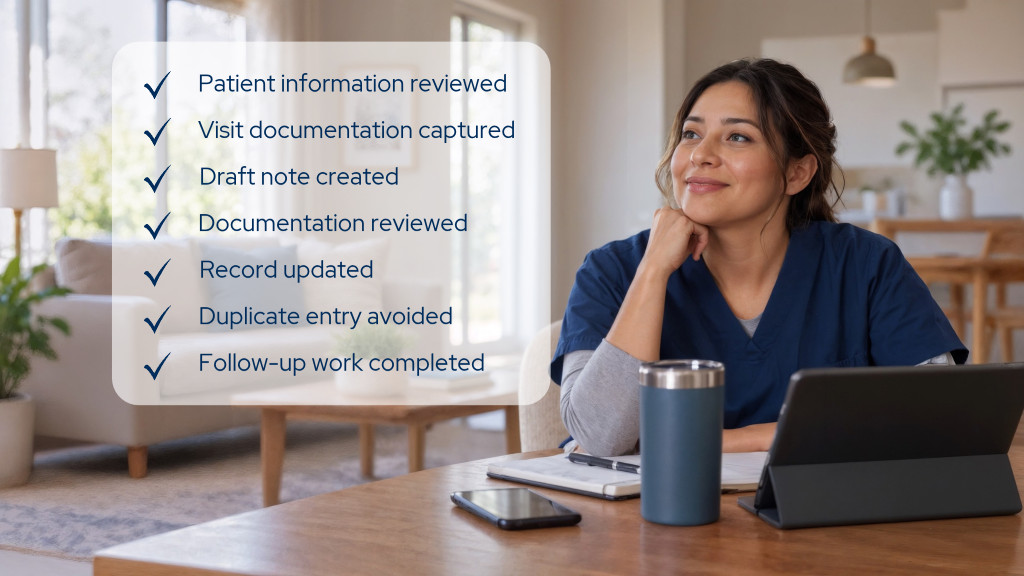
Making one task faster is not the same as removing work. An AI tool may generate a draft in seconds, summarize information quickly, or automate a step that previously required manual effort. Those gains matter, but they don’t tell leaders what happened to the rest of the work:
- Did someone have to prepare information before the AI could use it?
- How much review and editing followed?
- Did the output flow seamlessly into the system where work continues, or did someone have to transfer it?
- Did another employee inherit additional verification or correction work downstream?
AI creates operational value when the total workflow becomes more efficient, not simply when the AI-enabled step gets faster. Total workflow impact is a more useful way to evaluate AI than isolated task speed.
Follow the work, not just the AI task
Consider an AI tool that cuts the time required to create a draft from 20 minutes to five. If the user then spends 10 minutes correcting the draft, five minutes transferring information into another system, and additional time responding to questions because something was incomplete, the 15-minute improvement at one step doesn’t translate into 15 minutes of work removed from the organization.
The opposite can happen, too. An AI-enabled task may still require meaningful human review, but if it reduces manual creation, eliminates duplicate entry, and allows the work to continue cleanly into the next step, the overall workflow can become more efficient. Leaders need a way to see both.
Use the AI Workflow Test
Choose one AI-enabled workflow in your organization and trace the work surrounding it. Don’t limit the assessment to what happens while someone is actively using the AI. First, establish how the workflow operates without AI. Then evaluate the work before, during, and after the AI-enabled task. Because new technology also requires an adoption period, repeat the assessment after users and the technology have had a reasonable opportunity to reach their expected operating state.
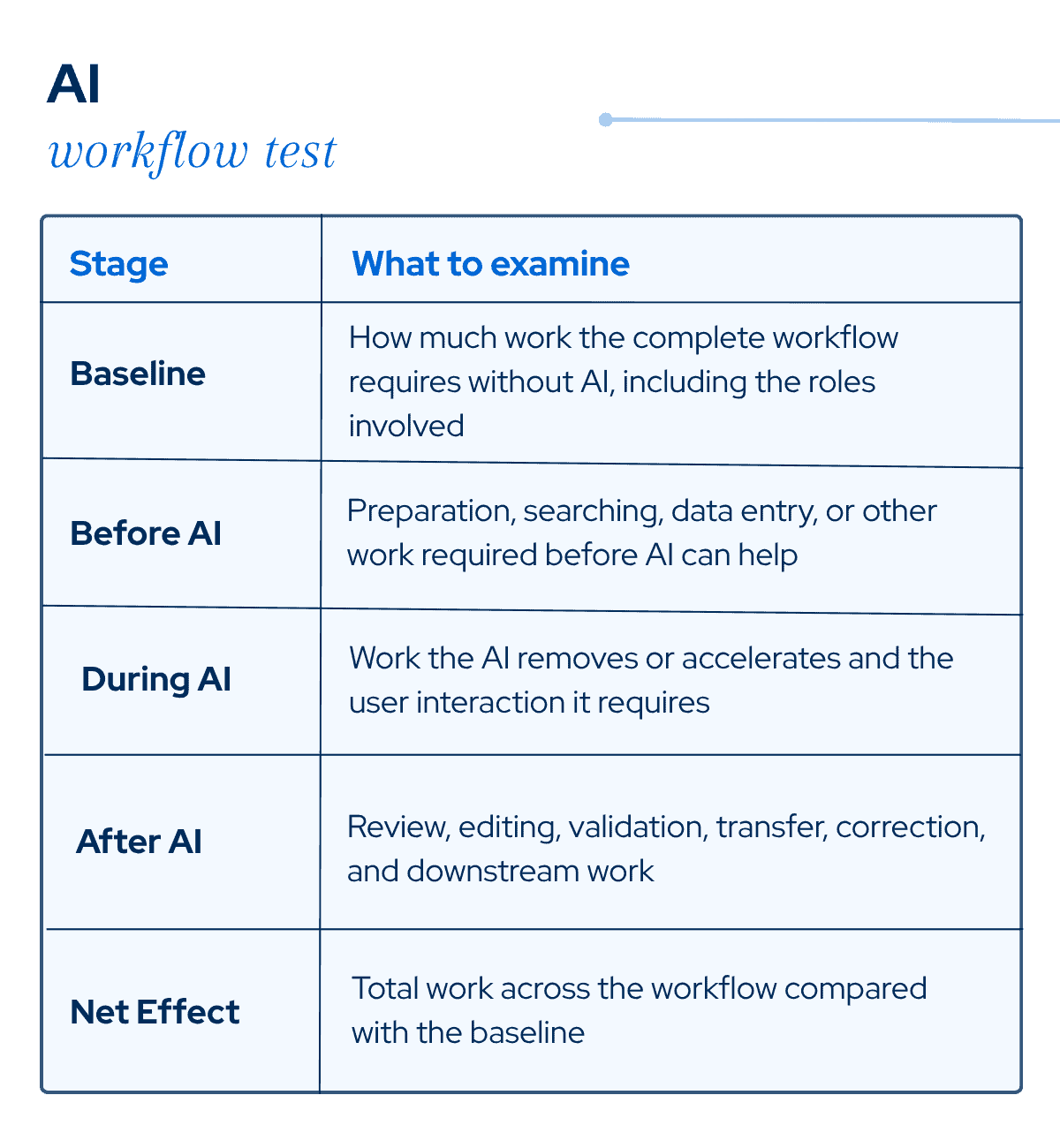
During implementation, separately track adoption effort: training, workflow changes, user feedback, reinforcement, configuration, and other adjustments required as teams move from the previous process to the AI-enabled one. Not every workflow change during adoption represents added friction. Some changes are necessary to establish a more effective AI-enabled process, while others may create unnecessary work or complexity. As adoption progresses, distinguish the changes that contribute to a more efficient workflow from those that continue to add burden. This exercise doesn’t require every human touch to disappear. In many clinical applications, that shouldn’t be the goal. Be clear about what AI is expected to improve, then evaluate its impact across the entire process.
Don’t judge AI at the beginning of its learning curve
AI implementation needs an evaluation period that accounts for both technology performance and changes in how people work with it. We’ll use HCHB’s Curate: Scribe as an example to illustrate this point. At the 2026 HCHB Users Conference, VitalCaring’s CEO, April Anthony described the organization as deliberately cautious during its initial rollout.
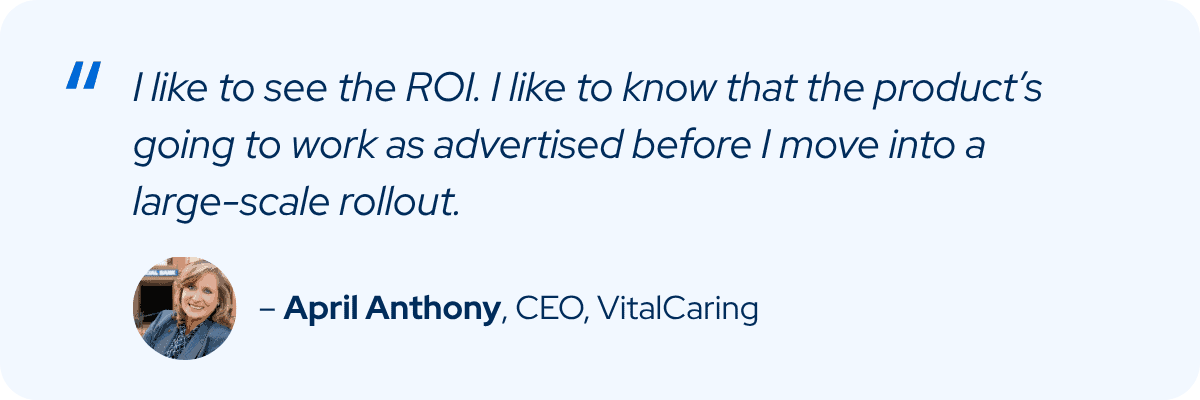
Before expanding use, the team closely reviewed generated documentation to determine whether the technology was producing appropriate results. Over the following months, VitalCaring reported increasing confidence in the output until approximately 90% of AI-generated text was being accepted by clinicians. VitalCaring found that adopting AI wasn’t simply a matter of introducing the technology. Clinicians also needed to adjust how they approached the visit and build new habits around the AI-enabled workflow.
Initially, clinicians were encouraged to set the device down and focus on talking with the patient. VitalCaring found that effective use still required a guided conversation. The organization began teaching clinicians how to narrate the visit by using the technology’s prompts to identify what needed to be addressed, then focusing on the patient while discussing their needs. Anthony reported improvements in clinician and patient satisfaction as that approach developed.
This is an important consideration when evaluating AI. An organization isn’t simply introducing a new tool into an existing process. In some cases, teams need to learn new behaviors, build confidence in the output, and adjust established workflows before the more efficient process takes hold. Training, reinforcement, feedback, and time for adoption are therefore part of reaching the intended operating state.
VitalCaring’s experience highlights why AI adoption should be evaluated as a transition, not a single implementation event. Users are learning how to incorporate the technology into their work while the organization is refining training, workflows, expectations, and appropriate use. Depending on the technology, its performance or configuration may also evolve during this period. An evaluation conducted too early may capture training, correction, and workflow adjustments that aren’t representative of ongoing use. But the learning period shouldn’t be open-ended either.
Before implementation, ask what is expected to improve, what drives that improvement, and how long the expected learning period should last. Establish the evaluation window in advance, then run the AI Workflow Test again.
Measure the work you want AI to remove
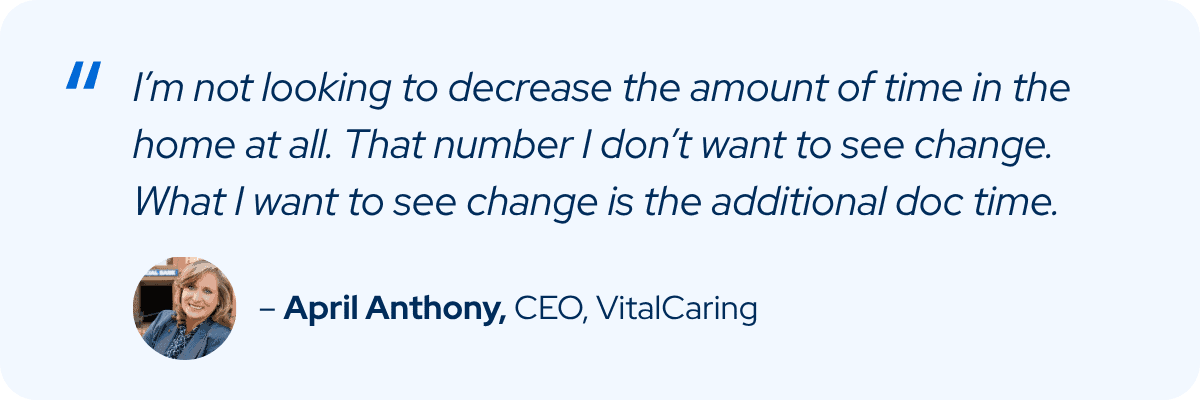
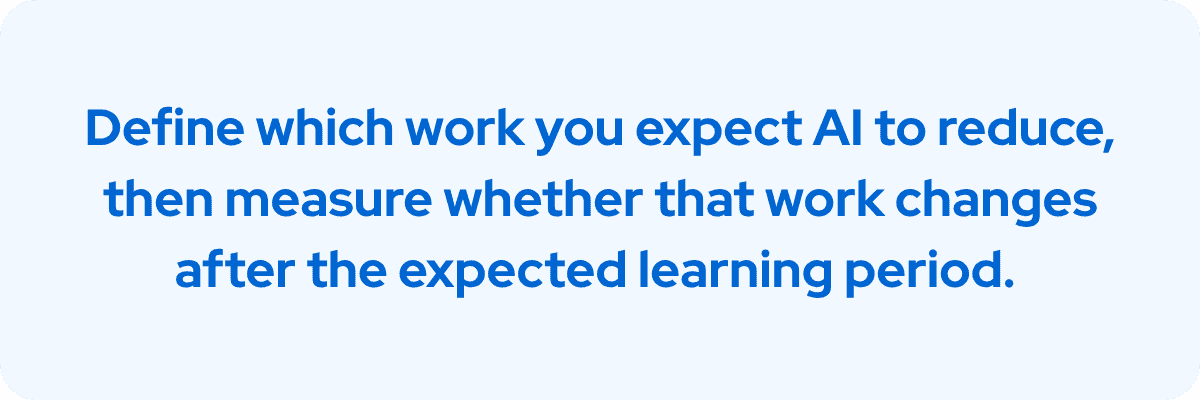
VitalCaring’s evaluation also shows why agencies should define where they expect AI-generated efficiency to appear. For routine visits, Anthony said her goal wasn’t to decrease the amount of time clinicians spent in the home. She was looking for reductions in the additional documentation work surrounding the visit.
As its use of Curate: Scribe progressed, VitalCaring reported saving 19.7 minutes per Start of Care visit and 9.2 minutes per Recertification visit. Measuring results after teams have had time to establish the new workflow helps separate implementation efforts and the training period from the efficiency of ongoing use.
For clinical AI, that also means being clear about work that should remain.
Separate necessary oversight from unnecessary correction
Human review isn’t evidence that AI has failed to remove work. In clinical documentation, clinicians still need to make sure the record accurately represents the encounter and apply their clinical judgment. Even after VitalCaring reported approximately 90% acceptance of AI-generated text, Anthony emphasized that clinicians remained responsible for reviewing and editing the final documentation.
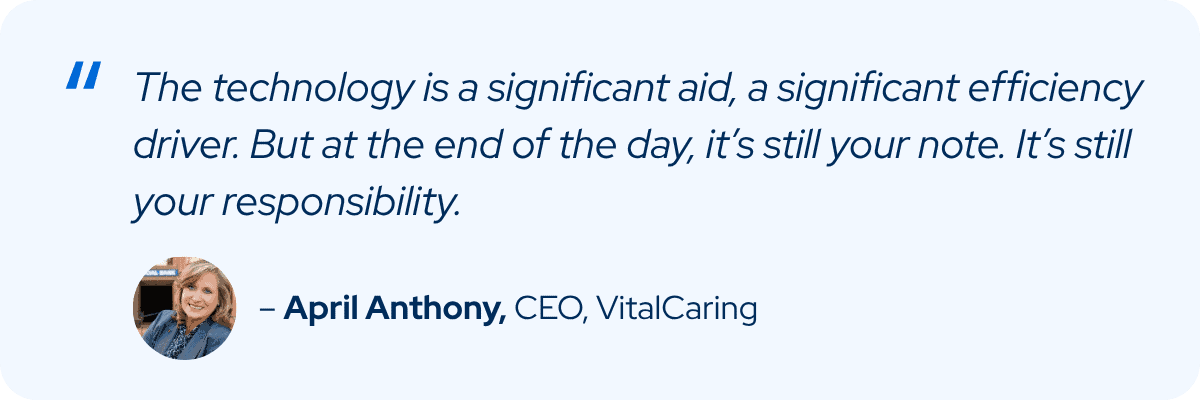
The goal is less unnecessary correction while preserving appropriate clinician oversight. Repeatedly rewriting generated content, correcting recurring errors, manually transferring information between disconnected systems, or creating additional downstream cleanup is different from the review required to exercise clinical judgment.
When evaluating the After AI stage, separate that work into two categories:
- Necessary oversight: Human review and judgment that should remain part of the workflow.
- AI-created friction: Correction, reconstruction, transfer, or additional work introduced by how the technology performs or fits into the workflow.
Follow the output until the work is complete
AI can improve the experience for one employee while shifting work to someone else. For example, a clinician may finish a task faster while a clinical manager spends more time in review. Additionally, a standalone AI tool may generate useful information quickly, but if employees have to move that information into the patient record or reconcile it with another system, some of the efficiency disappears. That’s why the Workflow Test shouldn’t stop with the person using the AI. Follow the output into the next step and continue until the work is actually complete.
Where the technology operates matters as well. AI embedded in the existing workflow can work within the clinical context, structured data, and processes surrounding the patient record. A disconnected tool may perform an individual task well while introducing new handoffs or manual transfer.
Embedded doesn’t automatically mean efficient, so test it:
- Does the AI operate where the work already happens?
- Does existing information have to be entered again before the AI can use it?
- Can the output move into the next appropriate step without unnecessary transfer?
- Does another role inherit additional review or cleanup?
- Does the workflow preserve clear accountability for the final result?
Those questions reveal operational effects that a simple “minutes saved” calculation can miss.
Efficiency still needs guardrails
Reducing work isn’t enough on its own. Clinical AI also needs appropriate accountability, transparency, and human control. HCHB’s approach emphasizes embedded intelligence, clinician control, explainability, bias monitoring, and human-in-the-loop governance. With Curate: Scribe, clinicians remain responsible for reviewing, editing, and approving AI-supported documentation. The operational objective is to reduce work technology can responsibly help handle while preserving the human judgment and accountability that should remain.
Run the test on one AI workflow
You don’t need an enterprise-wide AI study to start. Choose one AI-enabled workflow and establish a baseline before drawing conclusions about its impact.
- Document the baseline. Identify who performs the work today, the major steps involved, and where time is being spent.
- Define the expected learning period. Ask the vendor what users should expect during implementation, how long adjustment typically takes, what is expected to improve, and how progress should be evaluated.
- Map the complete AI-enabled workflow. Trace the work before, during, and after the AI interaction. Include every role that touches the output.
- Manage and track adoption. Document the training, workflow changes, reinforcement, user feedback, configuration, and other support required as teams transition to the AI-enabled process. Track whether that effort decreases as users gain experience.
- Separate oversight from correction. Identify the human review that should remain and the correction, transfer, or cleanup the technology is creating.
- Reassess after the learning period. Compare the more mature workflow with the baseline. Look at total work across roles, not just the speed of the AI-enabled task.
- Decide what happens next. If work has decreased while appropriate oversight remains intact, determine whether the workflow is ready to expand. If substantial friction remains, identify whether it comes from the AI’s output, configuration, user adoption, integration, or the surrounding workflow. The result gives leaders evidence about where work was removed, where it remains, and where the technology or workflow may need additional attention.
Measure AI by the workflow it leaves behind
AI can produce an impressive result in seconds. Operational value takes longer to evaluate. For home-based care organizations, the more useful measure is the complete workflow after the technology has had a reasonable opportunity to reach its expected operating state.
- Did unnecessary work decrease?
- Did another role inherit it?
- Did clinicians gain efficiency while retaining appropriate control?
- Did the technology fit into the workflow without introducing new handoffs or cleanup?
- Did the new way of working become part of the team’s normal workflow, or did it introduce ongoing burden or complexity?
Those answers provide a much stronger basis for evaluating AI than the speed of a single task.
See embedded, clinician-controlled AI in action
Explore how Curate: Scribe brings AI-enabled documentation assistance into the clinician workflow while preserving clinician review and approval.